
Storage Software for Staffed Facilities: Daily Tasks to Test
By The Unit Manager Pro Team · 19 March 2026 · 3 min read · Updated 24 October 2026

For a staffed facility, test the tasks performed at the desk and during handover. Separate software you can demonstrate from a list of desirable future capabilities.
14-day free trial · No credit card required · Cancel anytime
Follow a counter rental
Find an available unit, record the customer, prepare the agreement and inspect payment setup. Check how incomplete documents or pending payments are handed over to the next person. Avoid a fixed check-in-time promise that ignores the customer’s needs.
Keep context with the tenant
Check the lease, balance, documents and message history before replying to a customer. Agree who handles billing exceptions and who can change a rental record. Test the actual permissions required by your team.
Verify additional retail and task requirements
If you need a point of sale, stock control, walk-around checklist or shift notes, ask to see it working. A configured rental extra is not evidence of a full retail inventory system. Do not assume UMP includes every staffed-facility requirement.
Use a practical trial
Record must-have tasks in the evaluation worksheet. Try the UMP unit, tenant, lease and payment workflows with sample data, and confirm any gaps before changing established procedures.
Keep every customer conversation in context
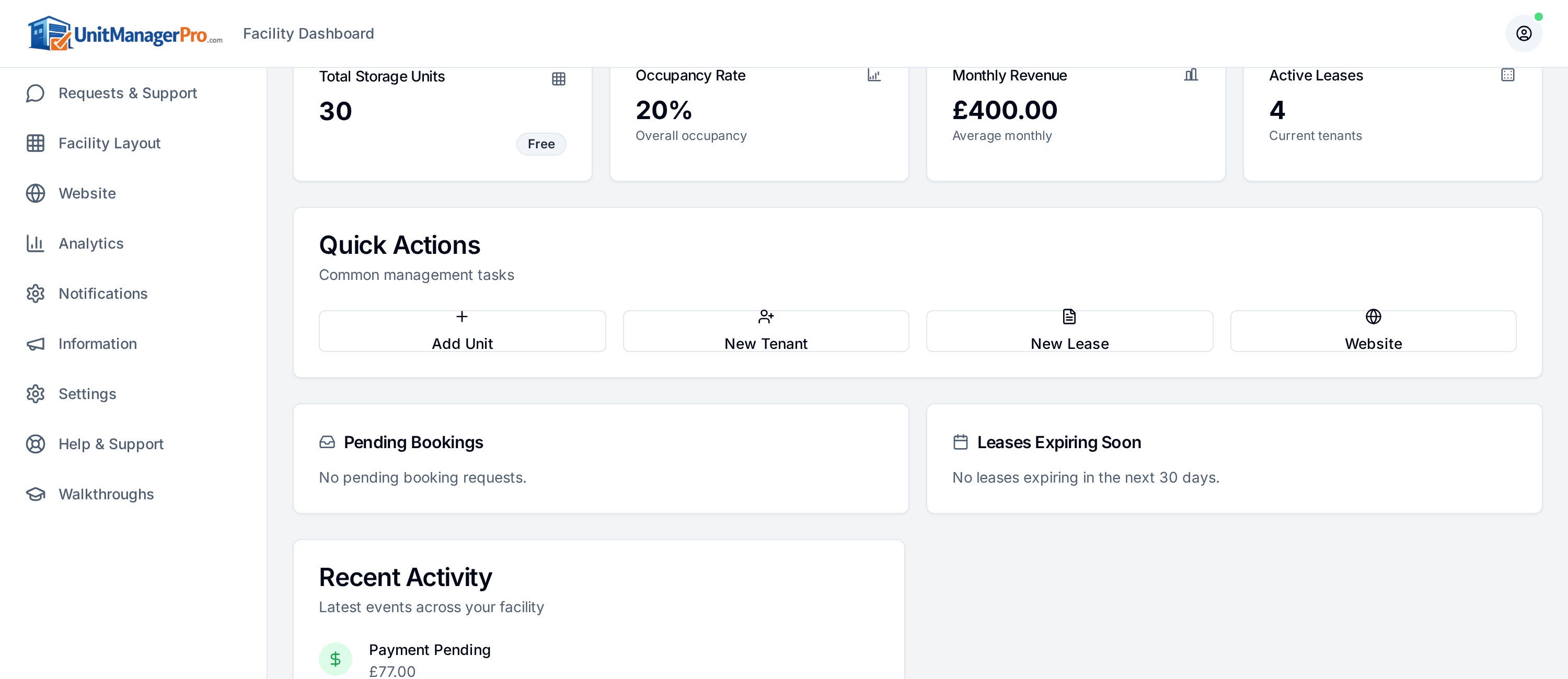
At the counter, staff need the tenant, lease, balance and documents on one screen. Unit Manager Pro keeps those records and the message thread together, and online bookings and the tenant portal reduce the routine questions that reach the desk.
Ready to see if it fits your facility?
Start a 14-day free trial with no credit card, or bring your unit count and must-have workflows to a 20-minute demo. You only pay for units with an active lease.
Frequently asked questions
What storage software helps a staffed facility?
Look for a counter rental workflow, tenant history that stays with the conversation, payments and tasks in one system. Test a counter rental from start to finish.
Can staff and owners have different access?
Check roles and permissions in a trial. Keep security, permissions and audit records on your shortlist even for a small team.
Related features
Related reads
Customer Service Software for Self Storage: Portal and Owner Workflow
A clear account record helps an owner answer customer questions. Self-service should make routine tasks easier while preserving a route to a person.
Read article
Self Storage Software Features: A Printable Buyer’s Worksheet
Use a repeatable demonstration to compare storage software. Record what a supplier actually shows, what needs another product and what remains unconfirmed.
Read article
Get the self-storage operator newsletter
Practical tips on rent collection, occupancy and growth. One email a fortnight, no spam.