
Switch self storage software with a clear migration plan
Bring a description of your current system and exports. We will discuss what can move, what needs checking and how to plan your first collection.
From £1.25 per leased unit per month. 14-day free trial, no card required.
Discuss my migration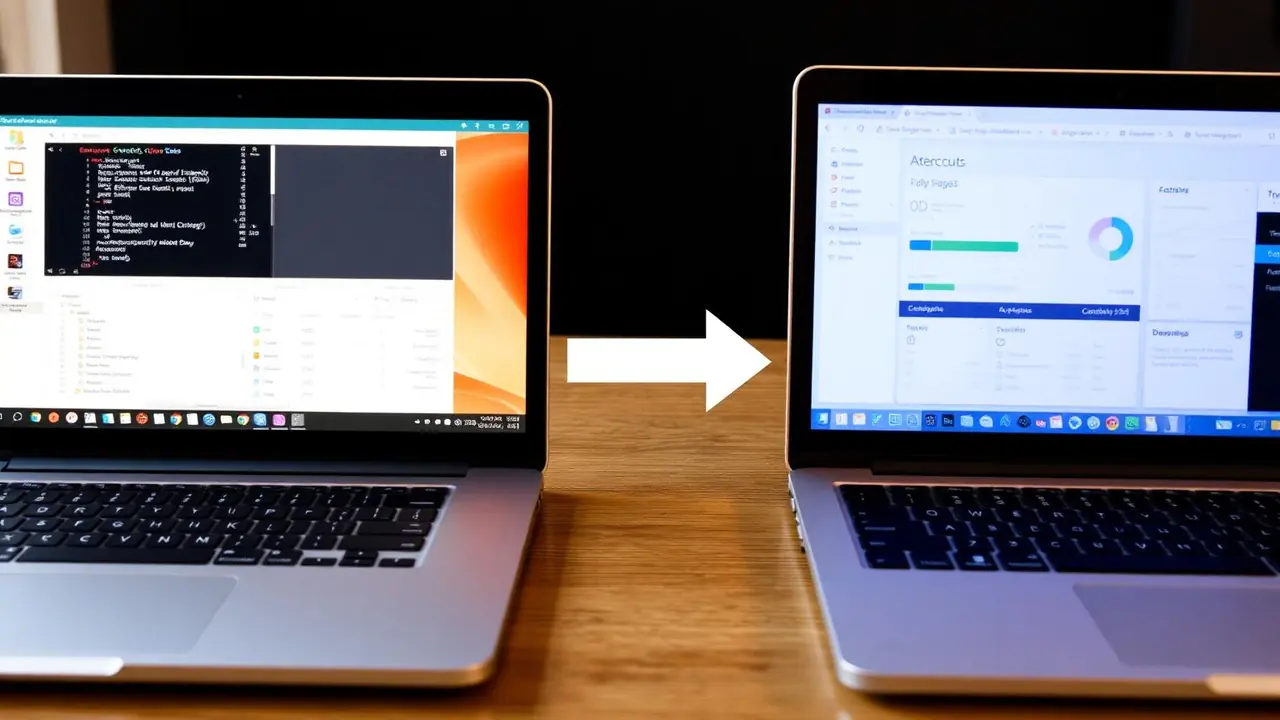
Moving your facility starts with a practical review of your data and payment dates. Unit Manager Pro supports tenant CSV imports and invitations for existing customers. A move from another system needs a scope check before you cancel your current service.
Discuss your migration
Tell us your current software, unit count and target date. No tenant records or payment details are needed for this first conversation.
What can you bring across?
Tenant contact records
The tenant CSV upload accepts names and email addresses, with optional phone and emergency contact details. Use the in-app template and review its validation results. Keep an original backup and test a small sample first.
Units and lease details
Create your units first. The tenant upload can match an existing unit number and use supplied lease start dates, end dates and monthly rent. Check the resulting tenant-to-unit links and agreements before inviting customers. This is a CSV workflow, not a direct connector to your old software.
Prepare these CSV columns
- Required: Full Name and Email.
- Optional contacts: Phone and Emergency Contact.
- Lease matching: Unit Number, Start Date, End Date and Monthly Rate. The unit must already exist; use its exact number. A matching unit and start date are needed to create a lease.
- Payment cutover: First Payment Date controls when billing should next begin. Use YYYY-MM-DD dates, for example 2026-12-01. Check this for every existing tenancy before enabling collections.
Download the current template from the tenant upload screen. Import a small sample with invitations off, then check tenants, leases, unit allocation and next payment dates in the dashboard. A tenant record alone does not prove that its lease was created successfully. Do not re-upload a whole file to correct a single row: review existing records first to avoid duplicates.
Existing-customer invitations
Use the migration invitation flow to explain the switch and payment start date. Tenants then complete their account and required onboarding steps. Review your wording and collection schedule before sending invitations.
What needs a separate check?
- Saved cards and Direct Debit mandates: these do not transfer through the tenant CSV. Confirm any provider-led transfer; tenants may need to authorise payments again.
- Balances, deposits, credits and payment history: reconcile these separately. The tenant CSV is not an accounting-history import.
- Documents and signed agreements: retain your originals and agree what can be uploaded or needs signing again.
- Gate access and integrations: check compatibility before making the switch.
Keep rent collections under control
Agree the final collection in your old system and the first collection in Unit Manager Pro for each tenant. Export the old ledger and reconcile unpaid rent, deposits, credits and payments in progress separately. Keep access to historic records after switching.
A CSV import does not move card details or Direct Debit mandates. Confirm payment-provider arrangements and any new authorisation your tenants need. Check the connected payment account, tenant payment setup and next payment date before enabling automated collection; avoid scheduling the same rent in both systems.
What happens to existing agreements?
Keep original signed agreements and supporting documents. The tenant CSV supplies lease details, not signed documents or signatures. Review which documents can be retained or uploaded and whether a new agreement is needed for each tenancy. Configure the required agreement template and check the tenant onboarding steps before invitations go out; do not assume importing a record means it has been signed.
A practical switching checklist
- Export and back up your existing records; check cancellation and data-access terms.
- Review import fields, create units and test a small tenant sample.
- Reconcile rent, deposits, balances and the final collection in the old system.
- Agree the first new collection date and invite tenants to complete setup.
- Check the first billing cycle and keep access to historical records.
Choose self-setup or optional help
Self-setup has no required setup fee. The optional £99 setup service covers one facility, up to 200 units and 150 active tenants and leases, includes one round of corrections after your review, and is credited to your first monthly invoice. It is invoiced on completion, with no payment required on the request form. Confirm the export format and scope before proceeding. Larger or more complex migrations need a separate discussion.
The next step is a scope review: tell us your current system, approximate unit and tenant counts, export format, target switch date and payment provider. Send a description first, not tenant records or payment credentials. We can then agree data entry, checks and a suitable handover before you request setup help.
Switching time depends on the source data, tenant onboarding and payment schedules. We do not promise an automatic transfer from every provider, a fixed completion time or zero downtime.
Read the detailed migration guide or compare ongoing software costs.
Make your next step a scoped conversation
Explain what you use today and what you want to improve. We will help identify the checks needed before moving.
Frequently asked questions
Can I move from SiteLink, Stora or another storage system?
Start by checking what your provider can export. Unit Manager Pro supports a tenant CSV workflow, not a guaranteed direct connector to every provider. Confirm field mapping, payment setup and the migration scope first.
Will saved payment methods and balances transfer automatically?
No. Tenant CSV imports do not transfer saved cards, Direct Debit mandates or accounting history. Discuss payment authorisation and reconcile balances separately before cutover.
What does migration assistance cost?
Optional setup help costs £99 for one facility, up to 200 units and 150 tenants, credited to your first monthly invoice. Confirm the scope before proceeding. Self-setup has no required setup fee.
Related features
Self Storage Software Pricing
You pay for units that are let, not for units sitting empty. Here is exactly how the price works.
Read the feature overview
Self Storage Billing Software
Automated invoicing, recurring payments and intelligent retries — so you stop chasing rent and start getting paid on time.
Read the feature overview
Self Storage Software for Small Facilities
For independent owners who want bookings, tenant records and rent administration in one place, with pricing based on leased units.
Read the feature overview