
Self Storage Website Design: What to Include and How to Launch
By The Unit Manager Pro Team · 8 April 2026 · 7 min read · Updated 24 October 2026
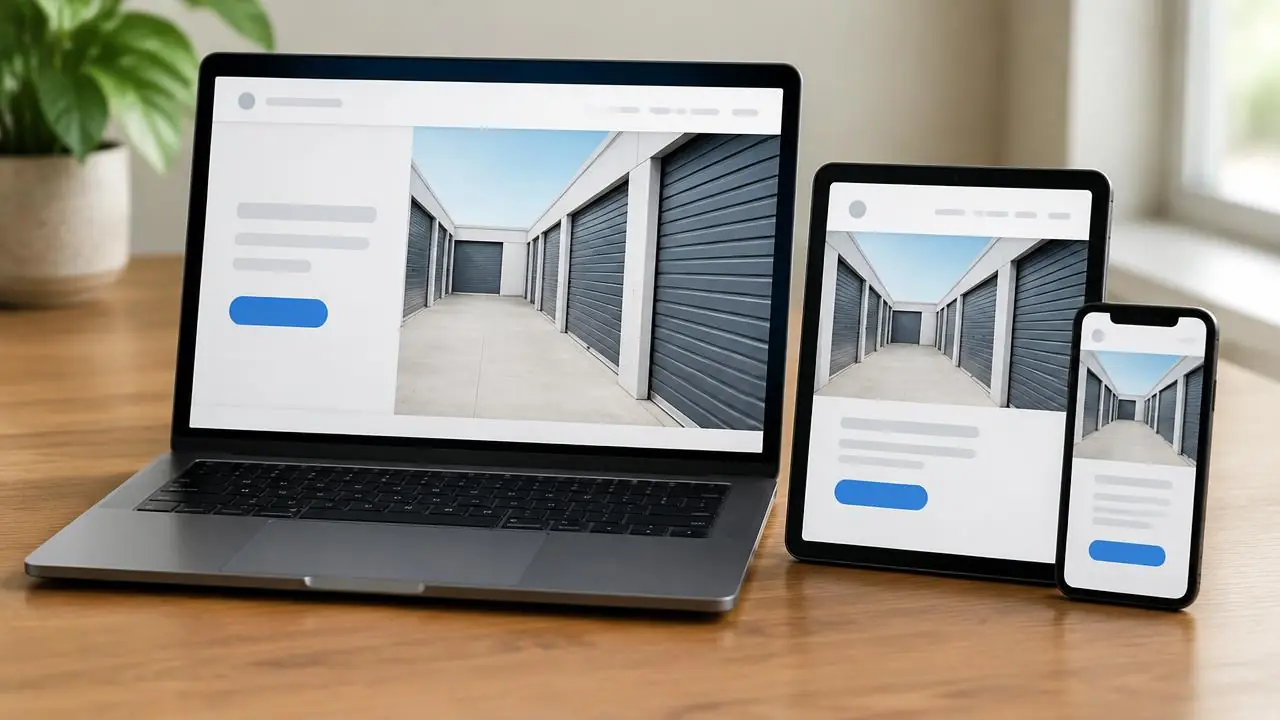
A self storage website has one job: help a visitor choose a suitable unit, understand the terms and book from a phone. This guide covers the pages and features that do that, then shows how the website builder in Unit Manager Pro gives you a booking-ready site from the units you already manage.
14-day free trial · No credit card required · Cancel anytime
The best self storage website design features at a glance
Whatever route you choose, a storage website that converts shares the same building blocks. Use this list to audit your current site or brief a designer:
- Unit sizes with dimensions, honest photos, price and billing period
- Live availability, so a visitor never reserves a unit that is gone
- A mobile-first booking flow with agreement signing and payment setup
- Clear location, access hours and directions
- A quote or callback form for visitors who are not ready to book
- Descriptive page titles, a Google Business Profile link and fast loading on a phone
- Your own domain name and a secure (HTTPS) connection
Make the first screen of your storage website answer four questions
Show where the facility is, what customers can rent, the starting price or a clear route to prices, and how to book or enquire. Separate office opening hours from access hours. A real photograph of the entrance is more helpful than a generic warehouse image when a new customer needs to find you.
For a container yard, describe drive-up access and container dimensions. For indoor storage, explain floor level, lifts and loading arrangements. State climate control only where the facility actually provides it. Avoid promising that every unit suits every customer.
Build a units and prices page that turns visitors into bookings
Each unit type needs dimensions, an honest photograph, price and billing period, availability and relevant restrictions. Explain deposits, introductory offers, any required cover and optional extras before checkout. If a size is unavailable, offer a clear enquiry route rather than displaying a misleading booking button.
Help uncertain visitors choose with the storage unit size calculator. Treat its result as an estimate and explain any access or shape constraints. Show the total booking cost before asking for payment.
Test the mobile booking journey before you advertise
Use a small phone to choose a unit, enter contact details, review an agreement and reach payment setup. Check field labels, error messages, the keyboard, button width and whether the customer can recover from an interrupted step. Test a pending payment as well as a successful one.
Write down what confirms the reservation and what still needs owner review. An ID upload is not automatically identity verification, and completing an online rental does not prove that an external gate will open. The booking setup guide separates those steps.
Agency, DIY or built-in: choose the website design route that fits
An agency can create a bespoke site, but agree the booking integration, maintenance and ownership of content in writing. WordPress or another builder can work with an appropriate integration; it does not inherently require manual availability updates. Test the actual connection rather than judging the platform name.
A website built into management software can use the same unit records as your dashboard. Unit Manager Pro includes a self storage website builder; compare its available templates and settings with your requirements. Use the website cost guide to include software, processing, domain and ongoing maintenance in your budget.
Simple, low-cost self storage website design with booking built in
If you want a professional site without an agency budget, the website builder is included in every Unit Manager Pro plan, so there is no separate website fee. You pick a template, add your branding and publish. Prices and availability come from the same unit list you already manage, which also removes the double entry that makes bespoke sites go out of date. If you would rather have help loading your units, the optional setup service covers one facility for £99, credited to your first monthly invoice.
Here is what the builder includes:
- Four storage templates (Modern, Classic, Bold and Minimal) with your logo, colours and photos
- Live unit availability and "from" prices taken straight from your dashboard, so the site never shows an out-of-date price
- Online booking with an e-signed agreement and payment setup in the same flow
- A size guide, gallery, map and trust badges that answer the questions visitors usually phone about
- Contact, quote and callback forms that land in your dashboard
- Your own domain connected with one DNS record at no extra charge, plus branded email and a branded tenant portal
- Page titles, structured data and a sitemap generated for you, so search engines can read your facility details
Make your storage website work for local search
Use a descriptive title such as “Storage units in Exampletown | Example Storage”. Publish accurate address, directions, contact and access information. Maintain your Google Business Profile and link it to the relevant facility page. Write distinct location information where you operate different sites; do not create near-identical pages for every nearby town.
Google describes local ranking in terms of relevance, distance and prominence. No template or number of reviews guarantees a ranking. See Google’s local ranking guidance and the local SEO checklist.
A launch check you can repeat
Check availability against the dashboard, review prices and terms, complete a test booking, confirm the agreement and email, and verify how the owner sees the result. Check loading and layout on a phone and a desktop. Remove test records through the appropriate owner controls after validation.
Measure completed enquiries and rentals alongside visits. A button click is useful journey information but is not a completed rental. Compare results over enough time to account for seasonality and traffic changes; do not attribute every increase to a design change.
Launch a storage website that takes bookings
The website builder and online booking are included in every plan. Start a 14-day free trial with no credit card and preview your site before you go live.
Frequently asked questions
What should a self storage website include?
At minimum: unit sizes with prices and availability, honest photos, a simple way to book or enquire, your location and access details, and contact information. Online booking with agreement signing and payment setup turns more visits into rentals because visitors can finish without waiting for a call back.
How much does a self storage website cost?
It depends on the route. An agency or freelancer quotes a build plus ongoing maintenance, a general website builder charges a subscription plus any booking integration, and a website built into management software is included in the plan. The Unit Manager Pro website builder is included in every plan; domain registration and Stripe processing fees are separate. See the website cost guide for a first-year comparison.
Can I take online bookings on my storage website?
Yes. With Unit Manager Pro, customers choose a unit, enter their details, sign your agreement and complete payment setup online. You can review every booking before it goes live or let it complete automatically once the checks you set are met.
Do I need a web developer to build a self storage website?
No. Choose a template, add your logo and colours, check your units and prices (they come from your account), then publish. The 14-day free trial lets you preview the whole site before it goes live, and no credit card is required.
Can I use my own domain name?
Yes. You can connect your own domain with one DNS record at no extra charge, or embed the booking flow on a website you already have.
Related features
Self Storage Website Builder
Get a storage website with live availability and online booking, built from your unit list. Included in every plan, live in minutes.
Read the feature overview
Self Storage Booking Software
Take online bookings around the clock with real-time unit availability and instant digital move-ins.
Read the feature overview
Self Storage Website Booking System
A built-in facility website with online booking, custom domain and AI-generated copy.
Read the feature overview
Related reads
Self Storage Website Cost: Agency vs Builder vs Built-In
Compare the cost of the complete booking website, including ongoing maintenance and the system behind it. A design quote alone rarely describes the whole operation.
Read article
How to Launch a Self Storage Website: Setup and Testing Guide
Prepare units, agreement wording, branding and payments before publishing. The time required depends on your starting data, account approvals and domain setup.
Read article
Self Storage Software UK: Compare Eight Options for 2026
Compare self storage platforms against the same rental, billing and migration tasks. A feature label or headline subscription is not enough to choose a system.
Read article
How to Add Online Booking to a Storage Website
Connect the website to your real inventory and prepare the agreement and payment steps before inviting customers. Test the complete journey on a phone.
Read article
Get the self-storage operator newsletter
Practical tips on rent collection, occupancy and growth. One email a fortnight, no spam.