
What Is a Self Storage Tenant Portal? Features and Benefits
By The Unit Manager Pro Team · 18 April 2026 · 3 min read · Updated 24 October 2026
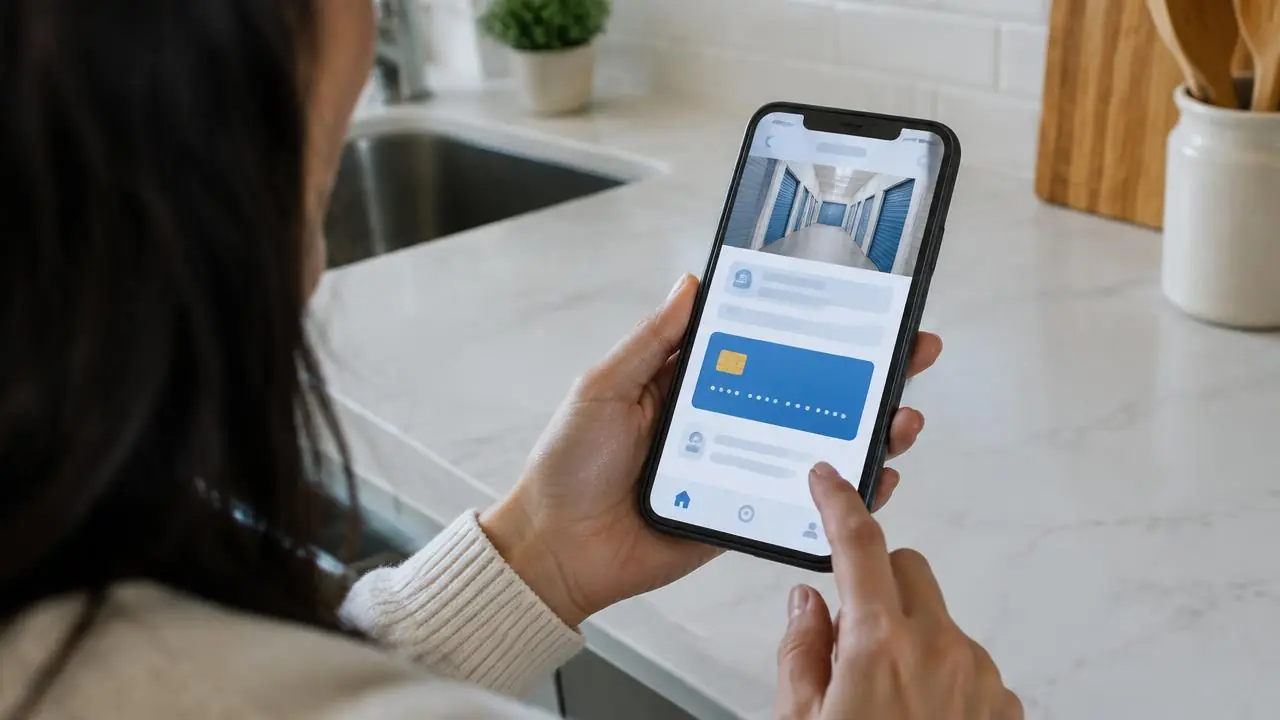
A self storage tenant portal gives customers a secure login to their own rental: they view their storage, pay rent, download invoices and message you without phoning the office. The Unit Manager Pro portal runs in any browser, carries your logo and colours and needs no app install. Check the actual screens, not an assumed drop in calls.
14-day free trial · No credit card required · Cancel anytime
Check the everyday tasks
Try viewing the unit and lease, finding an invoice, reviewing payment setup and opening a support conversation. Check the document and onboarding steps that apply to the tenancy. Each customer should see only the records they are entitled to access.
What tenants can do in the Unit Manager Pro portal
Tenants sign in with an email and password from any device. The portal uses your facility logo, colours and bank details, so tenants see your brand, not ours.
- View their unit and lease
- Pay rent and see payment history
- Download invoices and agreement documents
- Review or update their payment method
- Message the facility, with replies kept in one thread per lease
Make the first visit clear
Give the tenant the correct sign-in link and explain any required setup steps. Test on a phone, including an expired link or incomplete details. Keep an assisted route for customers who cannot complete the online process.
Separate account access from gate access
A portal can display rental information without controlling physical hardware. Confirm the installed system separately before promising app entry, automatic codes or payment-linked lockouts.
Introduce it with a real example
Use the tenant portal demonstration with sample data. Show one routine task end to end and review which questions still need an owner response. Measure your own support workload instead of promising a universal reduction.
Give your tenants a branded portal
Start a 14-day free trial with no credit card and invite a sample tenant, or book a 20-minute demo.
Frequently asked questions
What is a self storage tenant portal?
It is a secure customer login for rental information and account tasks: viewing the unit and lease, paying rent, downloading invoices and contacting the owner.
Do tenants need to install an app?
No. The portal works in any browser on any device. They sign in with an email and password.
Is the portal branded with my logo?
Yes. It uses your facility logo, colours and bank details.
Does the portal open the gate?
No. A portal shows account information; it does not control gate hardware. Native gate integrations are on the roadmap, so confirm your controller separately.
Related features
Related reads
Self Storage Software UK: Compare Eight Options for 2026
Compare self storage platforms against the same rental, billing and migration tasks. A feature label or headline subscription is not enough to choose a system.
Read article
How to Automate a Self Storage Business in Stages
Automate repeatable administration in stages, keeping an owner review process for exceptions. Start with accurate records and the task that creates the most repeated work.
Read article
Get the self-storage operator newsletter
Practical tips on rent collection, occupancy and growth. One email a fortnight, no spam.