
Cloud vs Desktop Storage Software: Practical Trade-offs
By The Unit Manager Pro Team · 2 April 2026 · 3 min read · Updated 24 October 2026
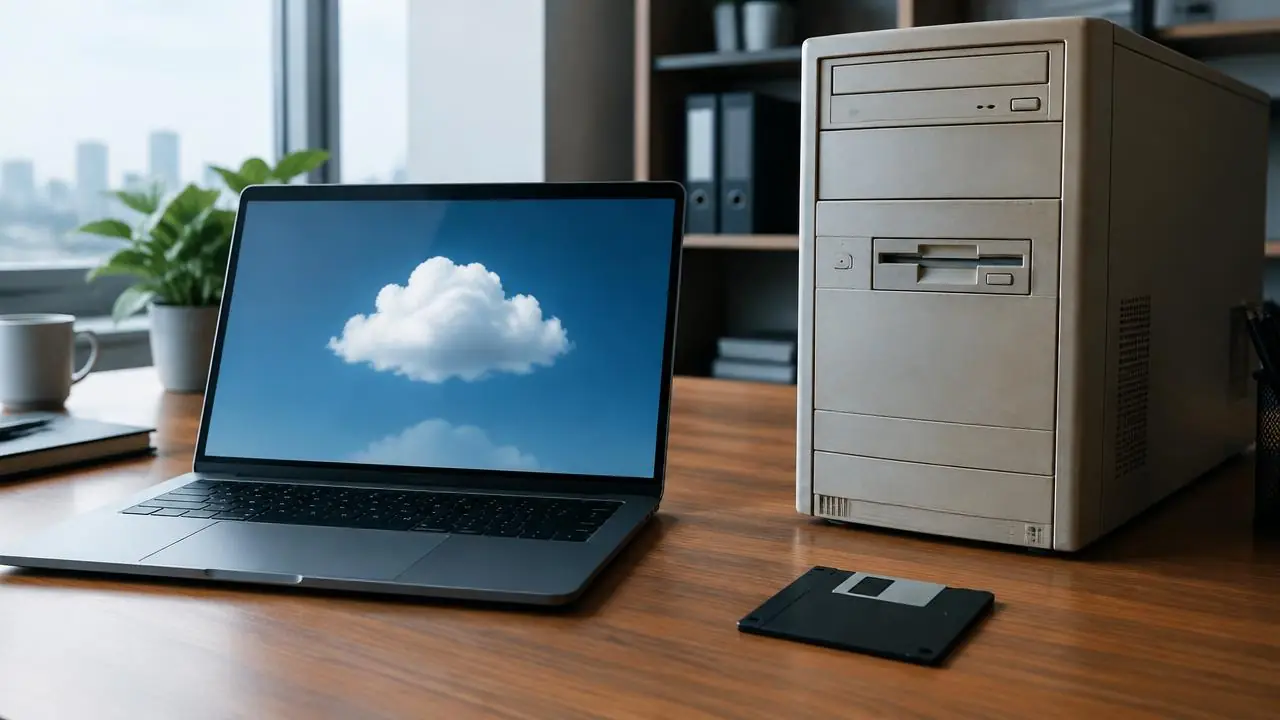
Compare where the software runs, how records are protected and what happens during an outage. The words cloud and desktop do not establish security or reliability on their own.
14-day free trial · No credit card required · Cancel anytime
Check the actual architecture
Some products combine a desktop application with hosted records or browser tools. Ask which tasks require the office computer and which work remotely. Do not assume every desktop product is offline or every cloud product caches data.
Plan for unavailable connectivity
Document how customers receive help, how staff check necessary information and how changes are reconciled after an outage. Assess a suitable backup connection for the site. A cheap router is not a guarantee against power or network failures.
Review security and recovery
Ask about account permissions, authentication, backups, restoration, incident handling, data location and the applicable data-processing terms. Verify evidence rather than accepting bank-grade or fully compliant as a substitute for detail.
Compare ongoing work
Include updates, device replacement, support and exports in the cost comparison. UMP provides browser-based self storage management software; confirm essential workflows and connectivity before replacing your existing process.
Why many independent operators choose cloud storage software
Cloud software means no server to look after, updates applied for you and access from the office, home or a phone. Unit Manager Pro runs entirely in the browser, with bookings, billing and the tenant portal available to customers at any hour. The trade-off is that online workflows need a connection, so confirm your backup, export and outage plan before you move.
Make the decision with a real walkthrough
Test your must-have workflows in a 14-day free trial (no credit card), or book a 20-minute demo and compare the result with your current quote.
Frequently asked questions
Is cloud-based storage software better than desktop?
Cloud-based systems run in a browser, update automatically and work from any device with a connection. Confirm backups, account security, exports and an outage plan with any supplier.
Does Unit Manager Pro need installing?
No. It runs in your browser, so there is nothing to install.
Related features
Self Storage Management Software UK
Self-storage software designed for UK operators — Stripe, GBP invoicing, UK hosting, GDPR-ready.
Read the feature overview
Self Storage Automation Software
Automate bookings, billing and overdue notices — with editable wording and owner-controlled sending.
Read the feature overview
Related reads
Self Storage Software UK: Compare Eight Options for 2026
Compare self storage platforms against the same rental, billing and migration tasks. A feature label or headline subscription is not enough to choose a system.
Read article
How to Automate a Self Storage Business in Stages
Automate repeatable administration in stages, keeping an owner review process for exceptions. Start with accurate records and the task that creates the most repeated work.
Read article
Get the self-storage operator newsletter
Practical tips on rent collection, occupancy and growth. One email a fortnight, no spam.