
How to Automate Self Storage Billing and Monthly Payments
By The Unit Manager Pro Team · 20 April 2026 · 5 min read · Updated 24 October 2026
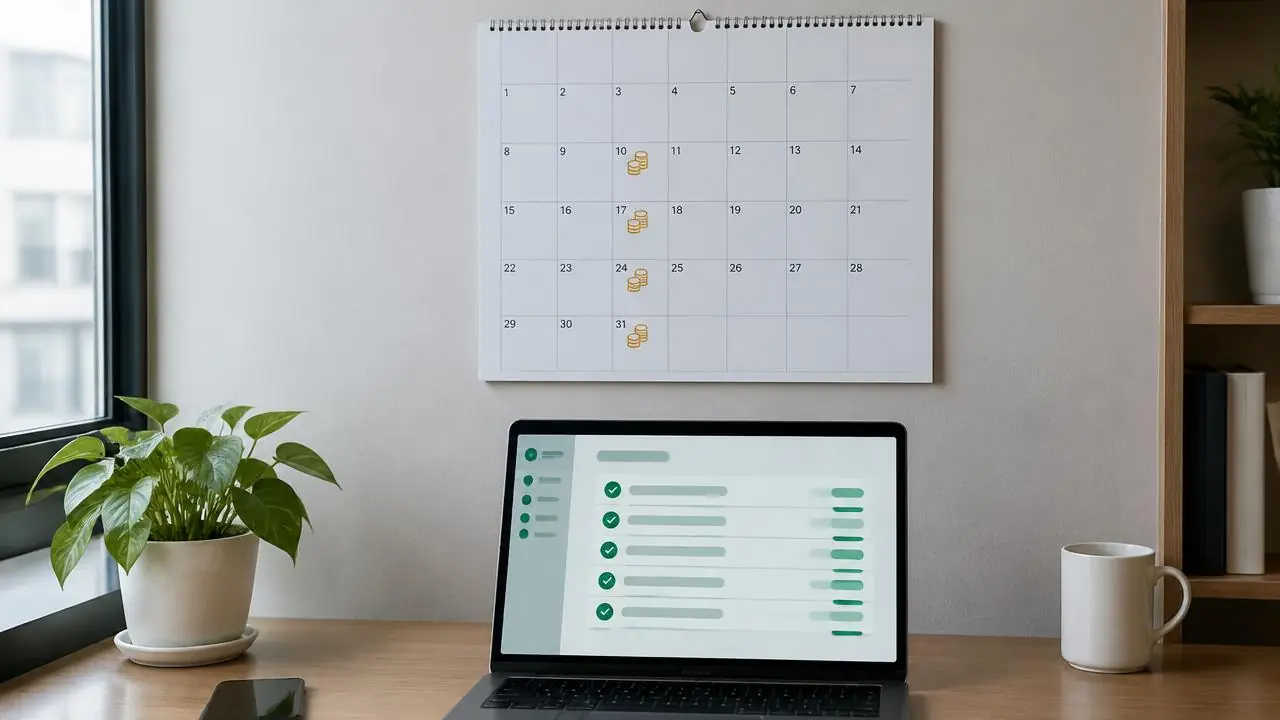
Good billing automation keeps the amount, due date, tenant authorisation and payment result connected, so you stop chasing rent by hand. Start with a checked lease record, connect Stripe, then configure collection and reminders. Watch the billing tour below to see the full cycle from invoice to receipt.
14-day free trial · No credit card required · Cancel anytime
Prepare the rental record before you automate billing
Confirm the agreed rent, billing frequency, first payment date and any deposit or extras. Check whether a partial opening period is required and inspect the actual amount before activating a real collection. Do not assume every tenancy uses the same monthly anniversary.
For existing tenants, reconcile amounts paid, unpaid balances and any payments still processing in the previous system. Keep a record of which system collects the final old payment and the first new one. Never schedule the same rent in both systems.
What Unit Manager Pro automates for you
Once leases are set up, the billing cycle runs without a spreadsheet. Here is what the software handles:
- Branded PDF invoices with your logo, bank details and a clear billing period
- Recurring card collection through your connected Stripe account, with retries
- Direct Debit (BACS in the UK, ACH in the US) where your Stripe account is eligible and the tenant has authorised it
- Saved-card backup that is tried automatically if a bank debit fails
- Configurable late fees and reminder timing per facility
- One-click refunds, partial refunds and receipts in the tenant portal
Connect Stripe and authorise recurring payments
Unit Manager Pro collects tenant payments through the facility owner’s connected Stripe account. The account must support the selected method. UK Bacs Direct Debit requires the relevant connected-account capability and a tenant mandate; uploading a tenant CSV does not create that mandate.
A saved card or authorised bank method allows recurring collection. A saved-card backup may be attempted after a bank payment fails, subject to setup and authorisation. That attempt can fail too: it is not a promise that arrears disappear overnight.
Understand the payment states
A due payment, a submitted collection, a processing debit and a settled payment mean different things. Bank methods can take time to resolve. Check the payment history before sending a manual demand or trying another collection.
For example, a £100 rent charge may show as processing while the bank responds. Do not count it as settled cash or charge another £100 simply because the due date has passed. If it fails, inspect the failure and the configured retry path, then follow up on the remaining balance.
Configure reminders separately from formal notices
Use the notice setup guide to set reminder timing and reusable wording. Formal overdue notices have their own triggers, tenant notice periods and owner-approval choices. Existing overdue leases can become eligible when automation is enabled, so review them first.
Paid or processing payments and previous notices affect eligibility. A reminder or notice is not permission to restrict physical access or dispose of goods. Do not use a universal day-seven fee or day-fourteen lockout schedule across every agreement and jurisdiction.
Reconcile exceptions
When money arrives outside the processor, record it against the correct payment using the supported owner workflow and keep the reference. Review partial payments, refunds and changed rental terms individually. A report should distinguish contracted rent, unpaid amounts and collected cash.
Keep an owner review list for unresolved failures and tenant questions. Automation should make exceptions visible, not hide them behind a claim that every collection is automatic.
Test your automated billing before rolling out
Test a successful collection, a pending debit, a failed method with and without a backup, and a manual payment. Confirm the tenant-facing invoice or receipt, reminder eligibility and next billing date. Use a safe test environment or an agreed controlled test before involving customers.
Review storage billing software and Direct Debit setup. Measure overdue balances and time spent over comparable periods rather than expecting a universal percentage reduction.
Put rent collection on a schedule
Start a 14-day free trial with no credit card, or book a demo to walk through payments, retries and reminders on your own figures. Stripe processing fees are separate.
Frequently asked questions
What is self storage billing software?
Self storage billing software generates invoices from your leases, collects rent on a schedule, records payments against the right tenant and shows what is outstanding. The best systems also send reminders and retry failed payments.
How do I automate monthly rent collection for storage tenants?
Record the agreed rent and first payment date on each lease, connect your Stripe account, ask the tenant to authorise a card or bank debit, then let the scheduled collection run. Check payment states before chasing: processing and failed are different.
What happens if a Direct Debit fails?
Unit Manager Pro can try the tenant's saved card as a backup if one is authorised. That attempt can also fail, so check the payment history and outstanding balance rather than assuming it succeeded.
Are Stripe processing fees included in the subscription?
No. Stripe card and Direct Debit fees are separate from the Unit Manager Pro subscription and depend on your Stripe account terms and payment mix. Check Stripe's current pricing for your country.
Related features
Self Storage Billing Software
Automated invoicing, recurring payments and intelligent retries — so you stop chasing rent and start getting paid on time.
Read the feature overview
Self Storage Tenant Portal
A branded self-service portal where tenants pay, sign documents, raise issues and manage their account.
Read the feature overview
Self Storage Automation Software
Automate bookings, billing and overdue notices — with editable wording and owner-controlled sending.
Read the feature overview
Related reads
How to Reduce Late Payments in Self Storage: A Practical Workflow
Start by finding why payments are late: incomplete setup, a failed method, a disputed amount or a recording error need different responses.
Read article
How to Automate a Self Storage Business in Stages
Automate repeatable administration in stages, keeping an owner review process for exceptions. Start with accurate records and the task that creates the most repeated work.
Read article
Get the self-storage operator newsletter
Practical tips on rent collection, occupancy and growth. One email a fortnight, no spam.