
Tenant App vs Web Portal for Self Storage: Which Do You Need?
By The Unit Manager Pro Team · 29 April 2026 · 3 min read · Updated 24 October 2026
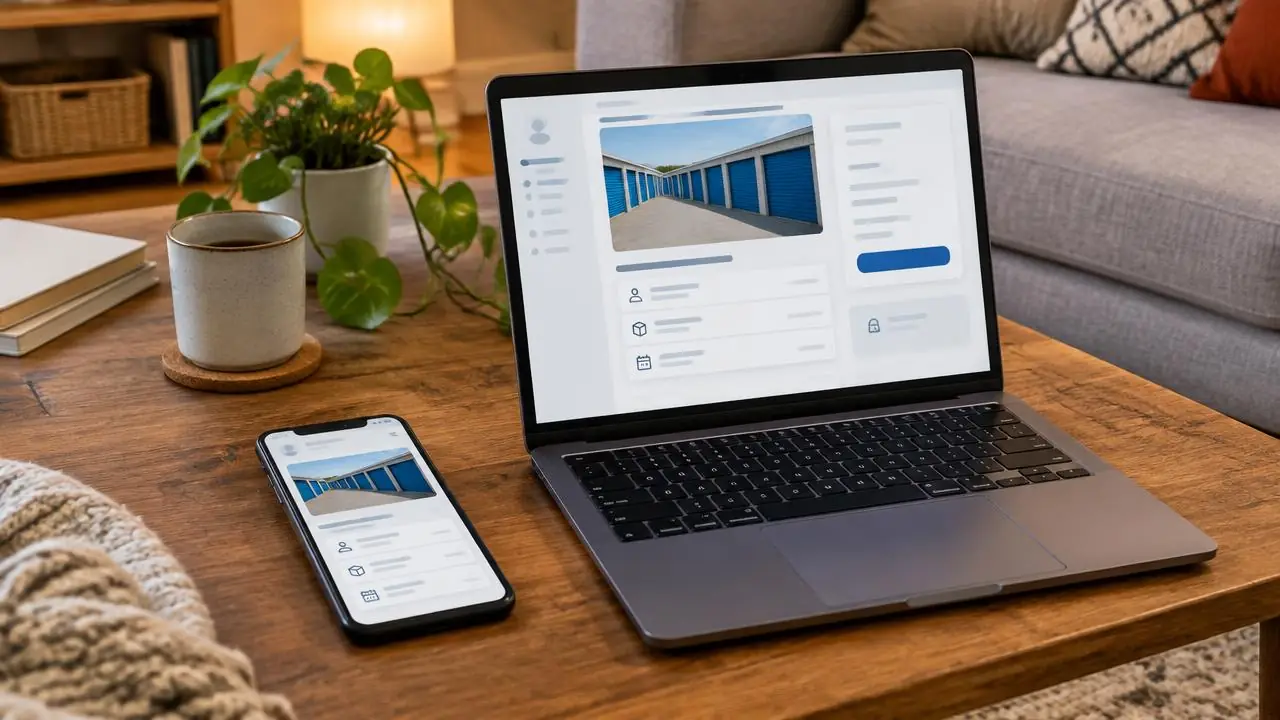
A mobile web portal may be sufficient for account tasks, while a native app may be needed for a particular hardware workflow. Choose from demonstrated requirements.
14-day free trial · No credit card required · Cancel anytime
List what tenants need to do
Start with invoices, payment methods, agreement documents and support. Test each task on a phone with a small screen. A successful desktop demonstration does not prove the mobile experience is usable.
Identify device-specific requirements
Ask the hardware supplier whether entry needs an app, Bluetooth, a compatible phone or a separate credential. A payment portal does not establish those capabilities. Keep a fallback for inaccessible or unavailable devices.
Compare maintenance and support
Consider customer onboarding, password recovery, updates and how users obtain help. Avoid requiring an installation for a task that can be completed clearly in a browser, but do not rule out an app needed by verified hardware.
Try the actual UMP portal
Explore the tenant portal with sample data. Use your own customer needs and observed support requests to decide which account tasks matter most.
What the Unit Manager Pro tenant portal covers
Unit Manager Pro gives every tenant a branded web portal rather than a separate app to install. Tenants sign in from any phone or computer with an email and password and see your logo and colours. The portal covers the account tasks that generate most calls: viewing the unit and lease, paying rent, downloading invoices and documents and messaging you.
For most facilities that is the whole requirement, and it avoids asking tenants to download and update an app. If you later add access hardware that needs its own app, that is a separate decision tied to the hardware.
Give your tenants a branded portal
Start a 14-day free trial with no credit card and invite a sample tenant, or book a 20-minute demo.
Frequently asked questions
Do self storage tenants need an app?
For payments, invoices, documents and messages a mobile-friendly web portal is usually enough and needs no install. An app may only be needed where verified access hardware requires it.
Does Unit Manager Pro have a tenant app?
It has a branded tenant portal that runs in any browser on any device; tenants sign in with an email and password.
Related features
Related reads
Auto Pay for Self Storage Tenants: How to Move Them to Recurring Payments
Make payment setup clear and accessible, then track completion. A stored payment method requires authorisation and does not guarantee every future collection succeeds.
Read article
What Is a Self Storage Tenant Portal? Features and Benefits
A tenant portal gives customers a secure route to their own rental information and account tasks. Evaluate the actual screens and permissions, not an assumed reduction in phone calls.
Read article
Online Move-In for Self Storage: A Setup Checklist for Owners
Online move-in combines a reservation, agreement and customer setup. It should make the remaining steps clear rather than promise immediate physical access in every case.
Read article
Get the self-storage operator newsletter
Practical tips on rent collection, occupancy and growth. One email a fortnight, no spam.