
Self Storage Software for Small Facilities: Simple, Pay-Per-Unit
By The Unit Manager Pro Team · 12 April 2026 · 5 min read · Updated 24 October 2026
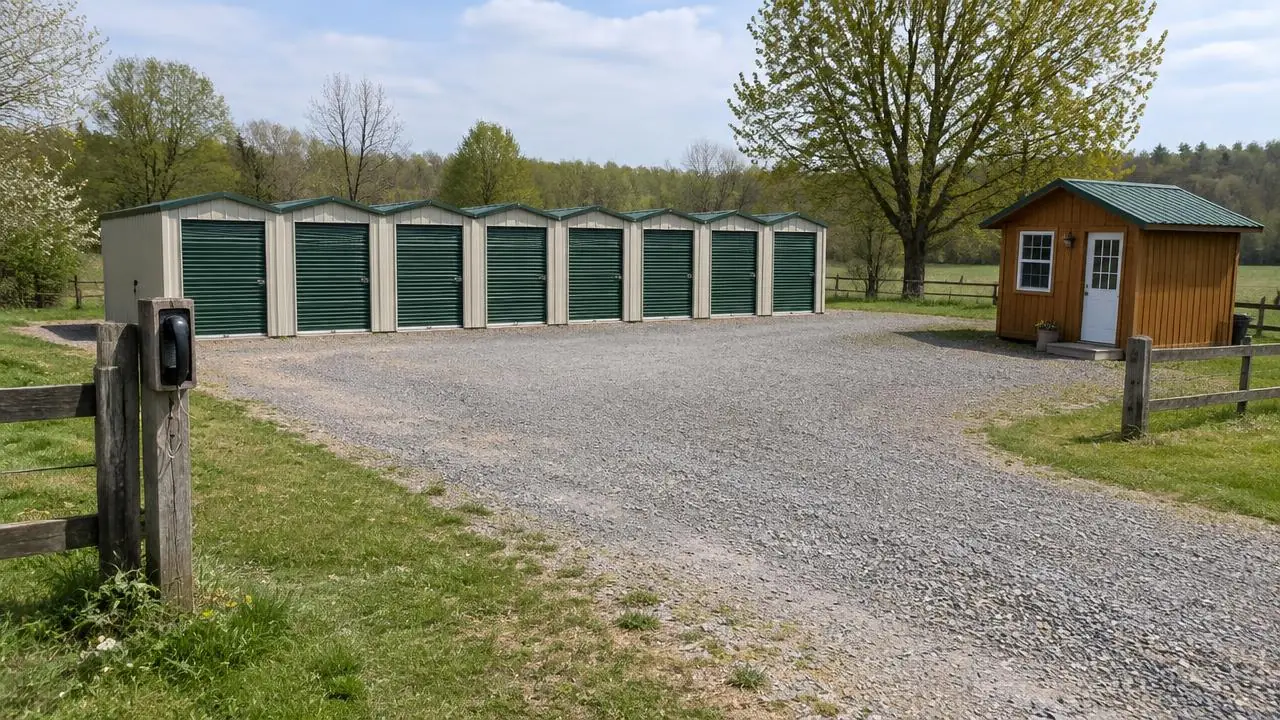
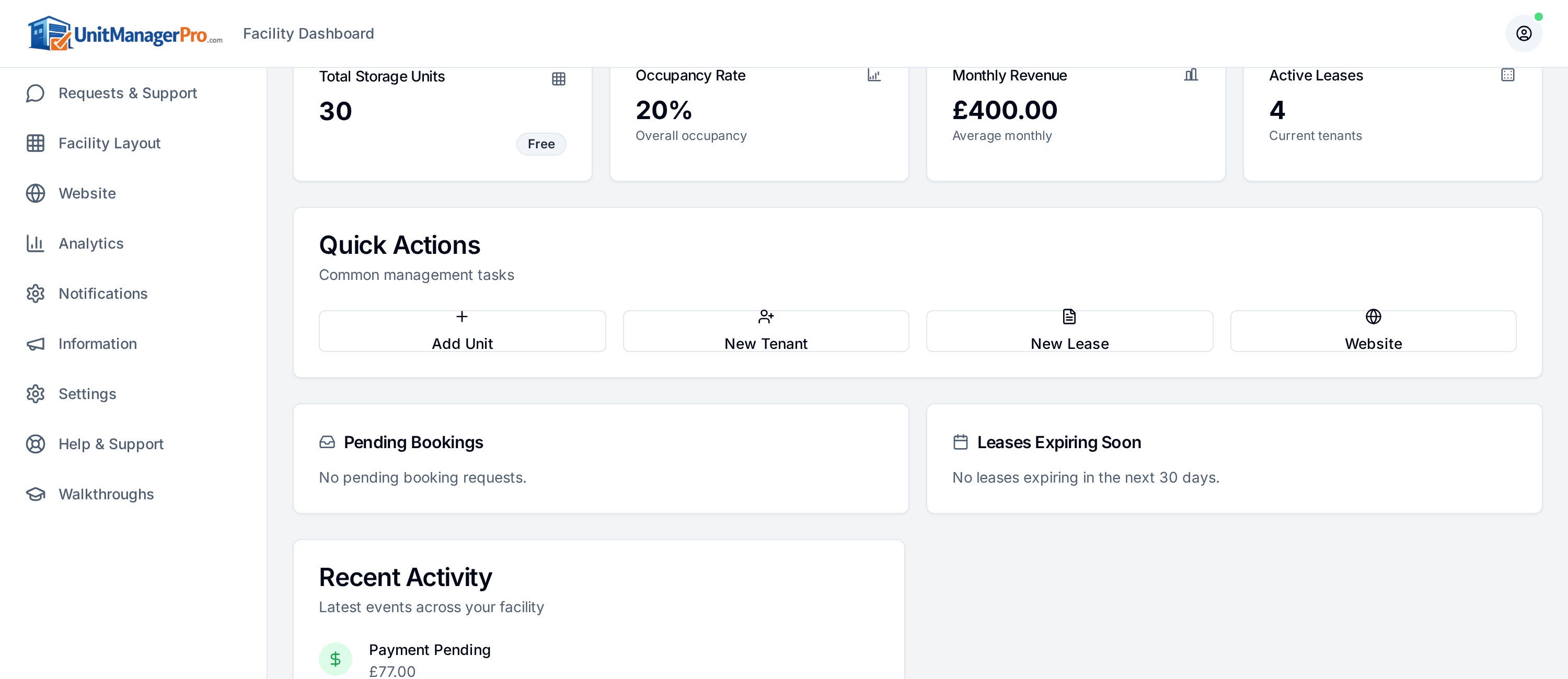
For a small storage facility, software should take repeat admin off your desk without adding a complicated process. Unit Manager Pro is built for independent owners: units, tenants, leases, Stripe billing, a booking website and a tenant portal in one place, with pricing based on leased units, so you do not pay for empty ones. Use this guide to test it on your own facility.
14-day free trial · No credit card required · Cancel anytime
Which jobs should small facility software take off your desk?
List the time spent checking availability, recording tenant details, preparing agreements, collecting rent and answering balance questions. Note where mistakes happen: a unit promised twice, a payment recorded against the wrong tenant or an outdated rent amount. These are better buying criteria than a long feature list.
Keep necessary security, permissions and audit records on the shortlist. A small facility still handles personal information and payments; those controls are not enterprise-only luxuries.
Three examples: a container yard, a 25-unit site and a 100-unit facility
A ten-container yard may prioritise clear availability, a reusable agreement and a reliable payment schedule. If most customers arrive through referrals, a simple booking website and accurate contact details can be enough to start. Check fixed costs at low occupancy.
A 25-unit site replacing spreadsheets should focus on existing tenant setup. Create the inventory, test a few imported tenant records and reconcile dates and balances before invitations. The migration guide explains what the tenant CSV can and cannot transfer.
A 100-unit facility with more sizes may need reporting by type, a repeatable arrears workflow and clear responsibilities for anyone helping the owner. These examples describe evaluation priorities, not automatic plan recommendations or guaranteed savings.
Compare the complete cost
Compare quotes at current occupancy and at a fuller site, using the same rent assumptions. Include payment processing, tax, optional setup help, website charges and hardware work. Unit Manager Pro publishes current plans and worked pricing examples; empty-unit treatment and plan limits matter more than a headline per-unit rate.
Ask about cancellation, data export and access to historic documents. Do not assume per-unit pricing is always cheaper or more expensive than a fixed fee. The answer depends on your inventory, occupancy, rent and included services.
What small self storage software costs per month
Pay As You Grow is £1.25 per leased unit per month for up to 20 leased units, so a 20-unit site with every unit rented pays £25 a month before processing fees and any applicable taxes. Larger sites can compare the Growth plan, which is 1% of collected rent capped at £2.50 per leased unit per month. Because only leased units are billed, a quiet month costs less. See the worked pricing examples and confirm the current plan before you subscribe.
Run a small demonstration with your own units
Add an example unit and tenant, prepare an agreement, inspect the first billing date and review the tenant’s view. Ask to see a failed or pending payment, not just a successful checkout. Try a rent change and a move-out with sample records.
Use the software evaluation worksheet to record evidence, unresolved questions and the person responsible for following up. Do not use real payment details or customer identity documents in a public demonstration.
Know the boundaries before committing
Unit Manager Pro provides an all-in-one workflow for units, leases, billing, a website and a tenant portal. Several sites can run from one account on request, with a location switcher, per-site staff access and a landing page for each site. Native gate integrations must not be assumed, so confirm your hardware before deciding.
Explore self storage management software with sample data, then plan a small, checked rollout. Keep the old records available until the new records, customer communications and collection schedule have been reconciled.
Find out if it fits your facility
Bring your unit count and three must-have workflows to a 20-minute demo, or start the 14-day free trial and test them yourself.
Frequently asked questions
What is the best self storage software for a small facility?
The best system is the one that handles your weekly tasks at a cost that fits your occupied units. Look for unit and tenant records, online booking, recurring payments and a tenant portal in one product, with pricing that does not charge for empty units.
How much does storage software cost for a small facility?
Unit Manager Pro charges £1.25 per leased unit per month for up to 20 leased units, so 20 rented units cost £25 a month before Stripe fees and any taxes. Larger sites can compare the Growth plan.
Do I need a separate website for online bookings?
No. A booking website with four templates is included in every plan, and you can preview it before going live.
Can I start with just a few units?
Yes. Use the 14-day free trial to add a few units and a sample tenant, then go live when you are ready. No credit card is required.
Related features
Self Storage Billing Software
Automated invoicing, recurring payments and intelligent retries — so you stop chasing rent and start getting paid on time.
Read the feature overview
Self Storage Software for Small Facilities
For independent owners who want bookings, tenant records and rent administration in one place, with pricing based on leased units.
Read the feature overview
Related reads
Self Storage Software UK: Compare Eight Options for 2026
Compare self storage platforms against the same rental, billing and migration tasks. A feature label or headline subscription is not enough to choose a system.
Read article
Self Storage Software for Independent UK Operators
Independent UK owners need a clear rental workflow, suitable payment methods and manageable costs. Test those details using your own operating requirements.
Read article
Get the self-storage operator newsletter
Practical tips on rent collection, occupancy and growth. One email a fortnight, no spam.