
Multi-Site Storage Software: A Requirements Checklist
By The Unit Manager Pro Team · 22 March 2026 · 3 min read · Updated 24 October 2026

A portfolio needs clear separation of local operations and central reporting. Unit Manager Pro runs several sites from one account on request, with a location switcher, site-only staff access, per-site payments and a landing page for each location.
14-day free trial · No credit card required · Cancel anytime
Define the reporting requirement
Specify whether managers need separate site rent rolls, consolidated cash, occupancy by location or regional views. Agree the definitions and reporting period. Adding totals from differently configured sites can be misleading.
Specify responsibilities
List who may see customer information, change rent, record money or manage access at each location. Test the actual permissions and audit trail rather than relying on a role label.
Check the customer website
Ask how visitors choose a location and see its availability, address and access hours. Verify whether payments and branding are shared or site-specific. Do not assume a single-facility website provides a portfolio selector.
Choose according to current capability
If central multi-site control is essential, make it a demonstrated requirement. In Unit Manager Pro, request multiple locations from Settings and the team switches it on at no extra fee. Use the second-location guide to plan operational changes before expansion.
Where Unit Manager Pro fits today
Unit Manager Pro includes units, tenants, leases, Stripe billing, a booking website and a tenant portal in one flat rate, with multi-site set up on request at no extra fee. Once on, you can filter the dashboard by site or see every site together, split payments by location, use one shared Stripe account or a separate one per site, invite location managers and site staff who only see their own sites, and publish a search-friendly page for each location on one website. Book a demo to see it with your own sites.
Plan the move to one system
Book a 20-minute demo with your site and unit counts, or start a 14-day free trial with no credit card.
Frequently asked questions
Does Unit Manager Pro support multiple sites?
Multi-site is available on request. If central reporting across a portfolio is essential, confirm your exact requirement in a demo before deciding.
What should multi-site storage software include?
Reporting across sites, role-based staff access, consistent pricing and a customer website that handles each location clearly.
Related features
Self Storage Management Software UK
Self-storage software designed for UK operators — Stripe, GBP invoicing, UK hosting, GDPR-ready.
Read the feature overview
Self Storage Automation Software
Automate bookings, billing and overdue notices — with editable wording and owner-controlled sending.
Read the feature overview
Self Storage Reporting Dashboard
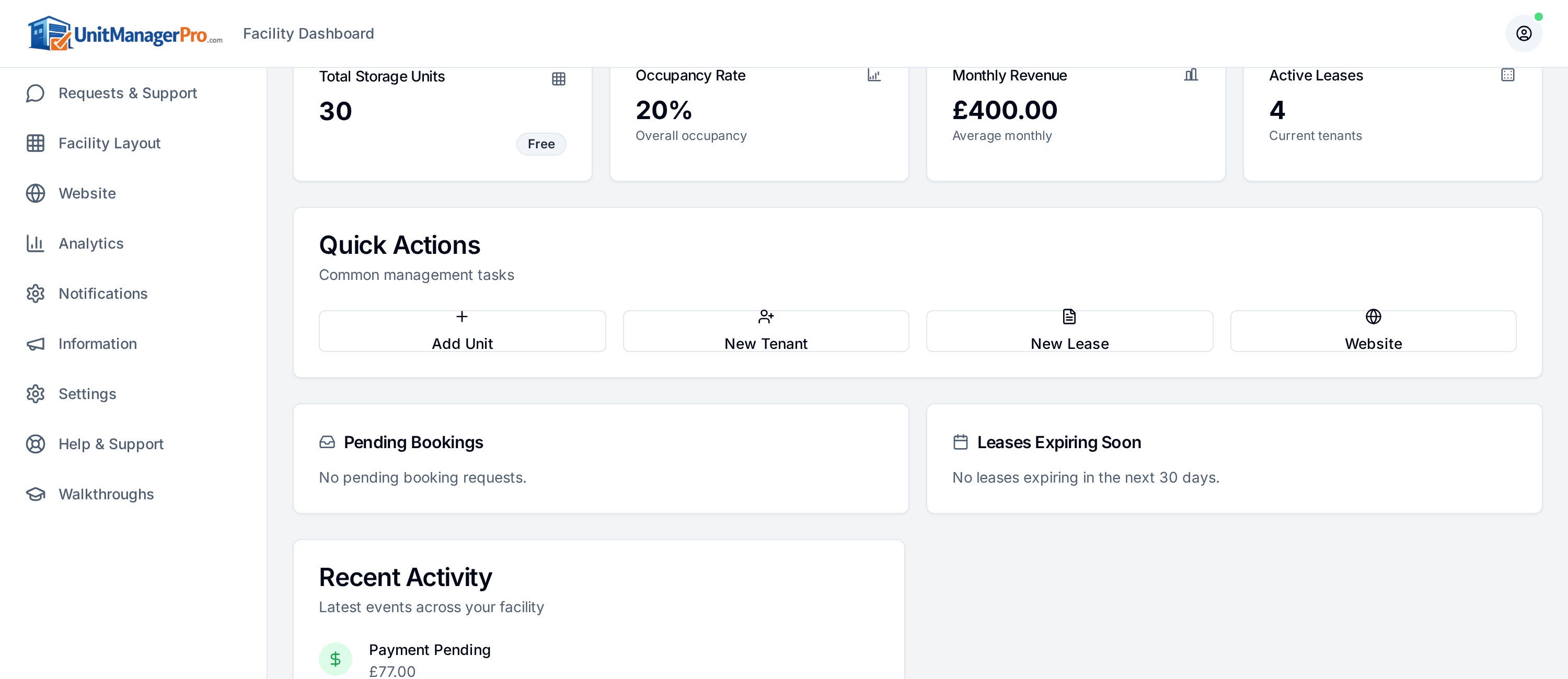
Real-time dashboards for occupancy, revenue, arrears and churn — across one or many sites.
Read the feature overview
Related reads
Storage Software for Staffed Facilities: Daily Tasks to Test
For a staffed facility, test the tasks performed at the desk and during handover. Separate software you can demonstrate from a list of desirable future capabilities.
Read article
Self Storage KPIs: Definitions, Formulas and Worked Checks
Agree what each metric measures before using it to make a decision. Occupancy, scheduled rent, cash received and website enquiries describe different parts of the business.
Read article
Get the self-storage operator newsletter
Practical tips on rent collection, occupancy and growth. One email a fortnight, no spam.