
How to Run an Unmanned Self Storage Facility: Software, Access and Support
By The Unit Manager Pro Team · 10 April 2026 · 4 min read · Updated 24 October 2026
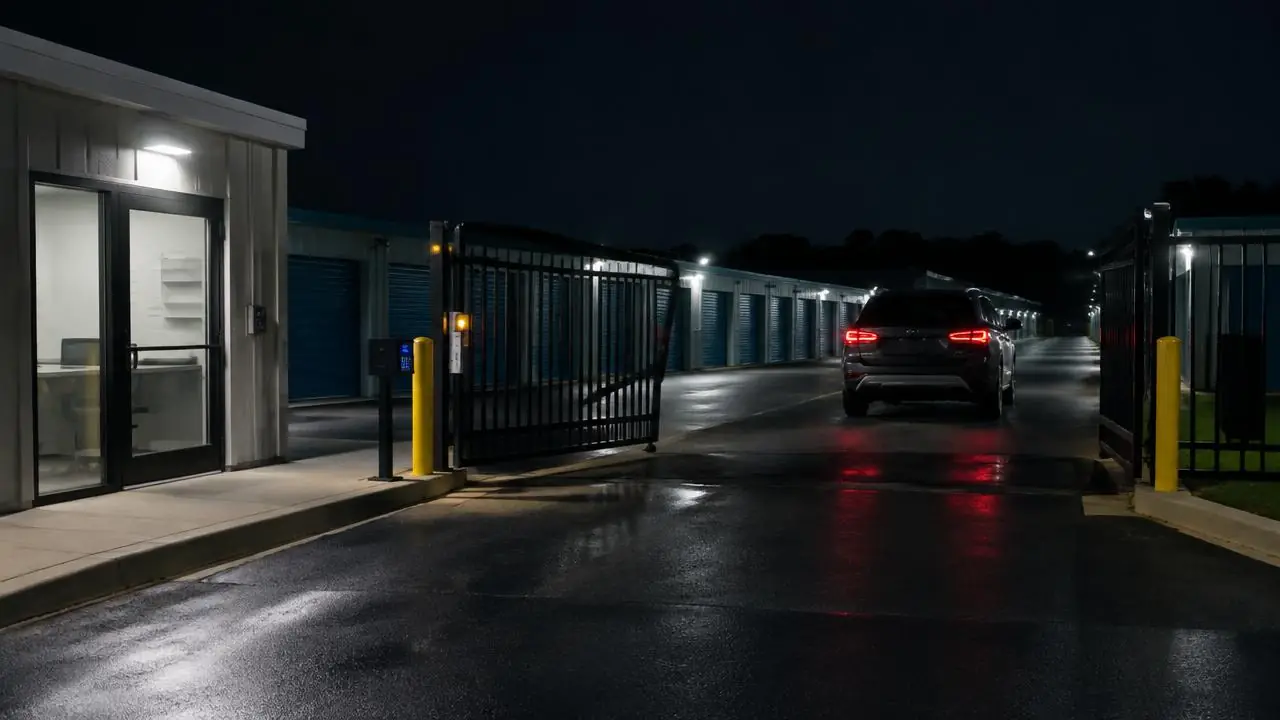
An unmanned facility still needs people responsible for customer help, inspections, payments and incidents, so design the remote operating process before reducing on-site cover. Unit Manager Pro automates the administration (online booking, e-signed agreements, recurring billing, reminders and a tenant portal), while physical access, security and support stay a separate workstream you plan alongside it.
14-day free trial · No credit card required · Cancel anytime
What an unmanned self storage facility needs
Remote operation comes down to four building blocks. The software covers the first two; the others depend on your site and suppliers:
- Online rentals: live availability, booking, e-signed agreement and payment setup
- Automated administration: recurring billing, reminders and a tenant portal
- Physical access: gate or lock hardware, power, connectivity and a fallback (check compatibility first)
- Support and security: a rota, an escalation contact, inspections, cameras and an incident log
Unmanned self storage: plan the online customer journey
A visitor needs to choose a suitable unit, understand prices and terms, provide the required details and complete agreement/payment setup. Show what confirms the booking and when access becomes available. Do not promise immediate entry if an approval or payment remains outstanding.
Test online storage booking on a phone, including unavailable sizes and incomplete onboarding. Give customers a contact route that works outside office hours if you advertise after-hours rentals.
Remote access control for an unmanned facility
Document your gate and lock system, connectivity, emergency arrangements and installer responsibilities. check hardware compatibility. UMP’s native gate integrations are on the roadmap; a completed online rental must not be presented as proof of automatic physical access.
Test a flat phone, shared vehicle, missing code and network outage. Decide who can attend the site and how a customer receives help. These cases should be part of the operating budget, not an assumption that software replaces everyone.
Automate bookings, billing and reminders for a remotely managed facility
Check tenant authorisation, recurring collection and pending/failed payment states. Configure reminders and formal notices separately, reviewing existing overdue balances before enabling triggers. Use the billing walkthrough and notice setup guide.
Reconcile manual receipts and exceptions. Do not equate a bank debit being submitted with settled cash or a notice being sent with a lawful lockout.
Inspections, support and incident cover when no one is on site
Assign inspections, cleaning, pest checks, repairs and move-out checks. Agree CCTV/security arrangements with your providers and use a purpose-based retention policy. Ask your insurer about requirements for your actual operation rather than copying a universal camera specification.
Keep a support rota, escalation contact and incident log. Offer an assisted route for customers who cannot use the online process. A tenant portal can handle account tasks, but it is not an emergency response service.
Budget and measure your automated self storage system
Compare staffing, connectivity, monitoring, hardware maintenance and call-out costs with your existing process. Test a lower-volume opening and a period with more support incidents. There is no universal percentage saving or hardware payback time.
Review completed bookings, unresolved support requests, failed collections and access incidents. Expand remote operation only after the actual workflow is dependable. For a new site, start with the startup guide and a preliminary capacity plan.
Take the admin off your desk
Start a 14-day free trial with no credit card, or book a 20-minute demo to see which of these tasks the software can handle for your facility.
Frequently asked questions
Can a self storage facility run without staff on site?
Yes, with preparation. Online booking, automated billing and a tenant portal remove most desk work, but you still need working access hardware, local procedures, inspections and a way for customers to get help.
What software do I need for an unmanned self storage facility?
A system that takes bookings online, collects rent automatically and gives tenants a self-service portal. Unit Manager Pro covers these. Gate and lock integration depends on your exact hardware, so request a compatibility review.
Does Unit Manager Pro control the gate?
Native hardware integrations are on the roadmap. A completed online rental is not proof of automatic physical access, so confirm your controller and the workflow before promising remote entry.
How much does it cost to run a remotely managed storage facility?
Compare staffing, connectivity, monitoring, hardware maintenance and call-out costs with your current process. There is no universal percentage saving or hardware payback time.
Related features
Self Storage Booking Software
Take online bookings around the clock with real-time unit availability and instant digital move-ins.
Read the feature overview
Self Storage Access Control Integration
Check your gate hardware, integration scope and required workflow before committing.
Read the feature overview
Self Storage Automation Software
Automate bookings, billing and overdue notices — with editable wording and owner-controlled sending.
Read the feature overview
Related reads
Self Storage Access Control Software: What to Check Before You Buy
Plan gate entry, unit security and rental administration as connected but separate systems. Start with the exact hardware installed at your site.
Read article
How to Automate a Self Storage Business in Stages
Automate repeatable administration in stages, keeping an owner review process for exceptions. Start with accurate records and the task that creates the most repeated work.
Read article
Get the self-storage operator newsletter
Practical tips on rent collection, occupancy and growth. One email a fortnight, no spam.